

Slack Code API is now GA. Decide who approves your agents' Salesforce changes before you bring one in
On 28 October Slack made the Slack Code API generally available on all plans, so any coding agent can open its own code channel, post diffs for the team to review. Here's the approval model I'd agree for a Salesforce team before the first agent-written change lands.
On 28 October, Slack made the Slack Code API generally available on all Slack plans. In plain terms: any developer can now let their own coding agent open a dedicated "code channel", pull in the right people and files, post updates and diffs as it works, and archive the channel when the job is done.
Until now that experience was mostly for launch partners. Slack says Anthropic, Cognition, GitHub and Vercel tested it after Slack Code launched in August, and that more than 150 customers and partners asked to bring their own agents. As of this week, they can.
I think this is good news for Salesforce teams. Agent work moves out of one developer's private tab and into a place the whole team can see. But a visible change is not the same as an approved one. Before your first agent opens a code channel and proposes a Flow or Apex change, I'd agree who is allowed to say yes.
What actually shipped
From Slack's announcement and its developer guide, both published on 28 October:
- Agents can create their own channel. When a request needs more than a quick reply, the agent creates a code channel from the conversation. Slack links it back to the original message and automatically invites the person who asked.
- The work shows up as tabs. Agents can publish views as diffs, HTML previews, Block Kit and canvases. Each channel supports a single diff view, which shows exactly what changed between two branches.
- Governance is inherited, not new. Slack says the agent inherits the permissions and admin controls of the channel it works in, with "no separate access model" to build. It also says a person can approve each high-stakes change, and the record stays searchable after the channel is archived.
- Scopes are explicit. The guide lists
code_channels:manage,app_mentions:read,chat:writeandchannels:history, plusgroups:historyif the agent needs to read private channels. - Pull requests are next. Slack says that soon, if you use GitHub, you'll be able to request reviews in Slack, comments will sync both ways with GitHub, and you'll get a prompt to merge from the code channel once a PR is approved and tests pass.
One number stood out to me: Slack says GitHub Copilot opens a dedicated code channel on 30% of its agent sessions. Nearly a third of the time, the work is big enough to need its own room.
Why Salesforce teams should care now
The same day, the Salesforce Developers blog published Pronto, a sample app for the Headless Toolkit. It shows a Salesforce Hosted MCP server that lets employees use the third-party agent of their choice, such as Claude Code, Claude Desktop or Slack, to work with Salesforce data and logic.
Put those two together and the direction is clear. The agent that changes your org may not be Agentforce, and the conversation about the change may happen in Slack, not in your DevOps tool. That's fine. But in most Salesforce teams I've worked with, the approval rules live in people's heads: "Ask Priya before you touch sharing rules." An agent can't read that.
The approval model I'd agree first
Slack's approval is a conversation. Your pipeline is the gate. Slack's design lets a human approve high-stakes changes, and I'd use it. But I wouldn't make a thumbs-up in a channel the only thing between an agent and production. Keep branch protection, required reviewers and test runs in your source control and deployment pipeline. If the merge prompt in Slack only appears after a PR is approved and tests pass, the pipeline is still doing the real work. That's the setup I want.
Sort your changes by risk, not by file type. A new validation rule message and a change to a sharing rule are both small diffs. They don't carry the same risk. I'd write down which metadata always needs a named human approver: Apex that writes records, record-triggered Flows, permission sets and profiles, sharing settings, connected apps and anything touching an integration user.
Check who's in the channel. Because the agent inherits the channel's permissions, the people in that channel are effectively your reviewers. Make sure the person who knows the object model is invited, not just whoever happened to ask. And decide whether agents may read private channels at all, because that needs a separate scope.
Keep secrets and customer data out of the tabs. Diffs, logs and HTML previews are easy to share and stay searchable after archive. That's useful for audit. It's a problem if a debug log contains a customer's email address or a named credential value.
End every session with a summary that links the work. Slack lets the agent post a final summary and archive the channel with it. I'd require that summary to link the ticket, the PR and the target environment, so six months later someone can work out why a Flow changed.
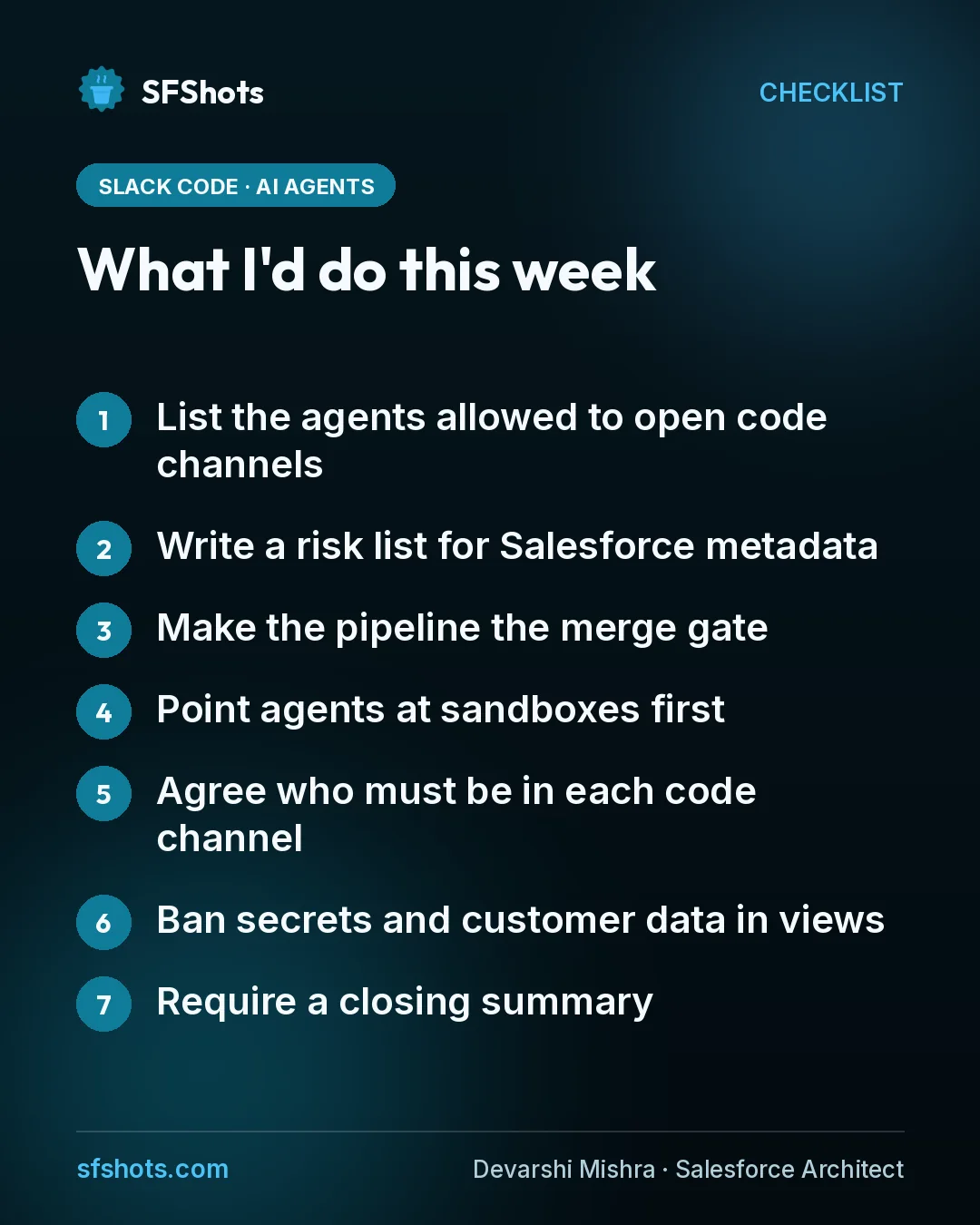
What I'd do this week
- List the agents allowed to open code channels. Check which apps in your Slack workspace request the
code_channels:managescope. - Write a risk list for Salesforce metadata. Name the change types that always need a human approver.
- Make the pipeline the merge gate. Require approved reviews and passing tests before any agent-written change can merge.
- Point agents at sandboxes first. No agent deploys straight to production, whatever the channel says.
- Agree who must be in each code channel. Add the object owner, not only the requester.
- Ban secrets and customer data in views. Check what your agent posts in diffs, logs and previews.
- Require a closing summary. Link the ticket, the PR and the environment before archive.
The takeaway
For CRM and RevOps teams, the Slack Code API means more of the work that shapes your org will be proposed by agents, in the open, in Slack. That's a real improvement on changes made quietly in someone's local session. But your data model, routing and reports still depend on who says yes, and on what checks run before a change reaches production. Agree the approval model this week, while the number of agents in your workspace is still small enough to count.