

Dynamics 365 Sales MCP Server is GA. Decide which CRM writes an outside agent may make
On 29 October Microsoft made its Dynamics 365 Sales MCP server generally available with 59 tools, including closing opportunities and turning quotes into orders. Whatever CRM you run, here's the write-access list I'd agree before any outside agent connects.
On 29 October, Microsoft made the Dynamics 365 CX MCP Server for Sales generally available. It gives AI agents 59 tools across opportunities, leads, accounts, activities, pricing, quotes and orders. An agent connected to it can advance a deal stage, qualify and assign a lead, send an email, or turn an approved quote into an order, without anyone opening a Dynamics form.
Microsoft calls this a step toward "headless CRM". The data, business rules and security stay in the CRM. The screen becomes optional.
I mostly work on Salesforce, so why write about a Microsoft launch? Because the same week, HubSpot and Salesforce both shipped something pointing the same way. The question this raises isn't specific to one vendor. When any agent can call your CRM, which changes is it allowed to make?
What actually shipped this week
From the vendor posts, all published between 28 and 30 October:
- Microsoft, 29 October. The Sales MCP server is GA with 59 tools. Clients connect to one Microsoft-hosted endpoint per environment through the Agent 365 Tooling Gateway, and Entra ID authenticates the user. Microsoft says access "continues to follow existing Dataverse roles and permissions". Named clients include Copilot Studio agents, Cowork, Sales Agent, GitHub Copilot CLI, Visual Studio Code and other MCP-compatible clients.
- HubSpot, 30 October. In its October rollup, HubSpot put AI connector access to Sensitive Data into public beta. Super Admins can let ChatGPT, Claude and Copilot read Sensitive Data properties and engagements. Gemini and the remote MCP server get engagements only. Access is read-only, users still need the underlying permissions, and Highly Sensitive Data properties stay restricted.
- Salesforce, 28 October. The Pronto sample app shows the Headless Toolkit exposing business logic through Salesforce Hosted MCP Servers. In Pronto, the same invocable Apex actions, such as create order and get order status, are exposed both as Agentforce actions and as MCP tools that Claude Code, Claude Desktop or Slack can call.
SalesTech Edition put the Microsoft and HubSpot news side by side on 30 October and made a point I agree with: an agent that acts as the user inherits the user's whole reach.
Why "it follows the user's permissions" isn't enough
Every vendor makes the same promise: the agent can only do what the user can do. That's the right default. But think about what a typical sales rep can do in your org. They can probably edit the stage, amount and close date on every opportunity they own. They can reassign leads. They can log activities against any account in their territory.
When a person has those rights, they use a small part of them on any given day, and they use judgement. An agent asked to "tidy up my pipeline" may use all of them in one go. Microsoft describes each tool as "a single governed action", which is good: it makes the unit of review small. But someone still has to decide which of those actions an agent should take on its own.
There's a reporting side too. If an agent closes an opportunity or changes a close date, your forecast moves. If it reassigns a lead, your routing and attribution change. RevOps owns those numbers, so RevOps should have a say in the list.
The write-access list I'd agree first
Split tools into read, low-risk write and high-risk write. Reading a pipeline summary is low risk. Logging a call note is a write, but easy to undo. Closing an opportunity, changing an amount, converting a quote to an order or sending an email to a customer is a different category. I'd write that list down per object, before anyone connects a client.
Start read-only, then add writes one object at a time. HubSpot kept its new Sensitive Data access read-only. I'd follow the same pattern for any new agent connection: summaries and lookups first, then activity logging, then anything that touches money or customers.
Trim roles before you connect, not after. Because access follows existing roles, a broad role becomes a broad agent. In Salesforce terms, look hard at "Modify All" and "View All" on permission sets held by the users who will connect agents.
For Salesforce, control the tool list itself. With Hosted MCP Servers and custom tools, you decide which invocable actions and endpoints are exposed. Pronto shows that one Apex action can be both an agent action and an MCP tool. That's efficient, but it means a change to that action changes what outside agents can do as well. I'd keep a list of every action published as an MCP tool, with an owner for each.
Know where the audit trail lives. Check that a test write from an agent shows up in your audit history with something that tells you it came from an agent, not a person. If you can't tell them apart, you can't review them.
Ask about the meter. Neither Microsoft's post nor Salesforce's sample app says what a call through the server costs. Ask your vendor in writing before usage grows.
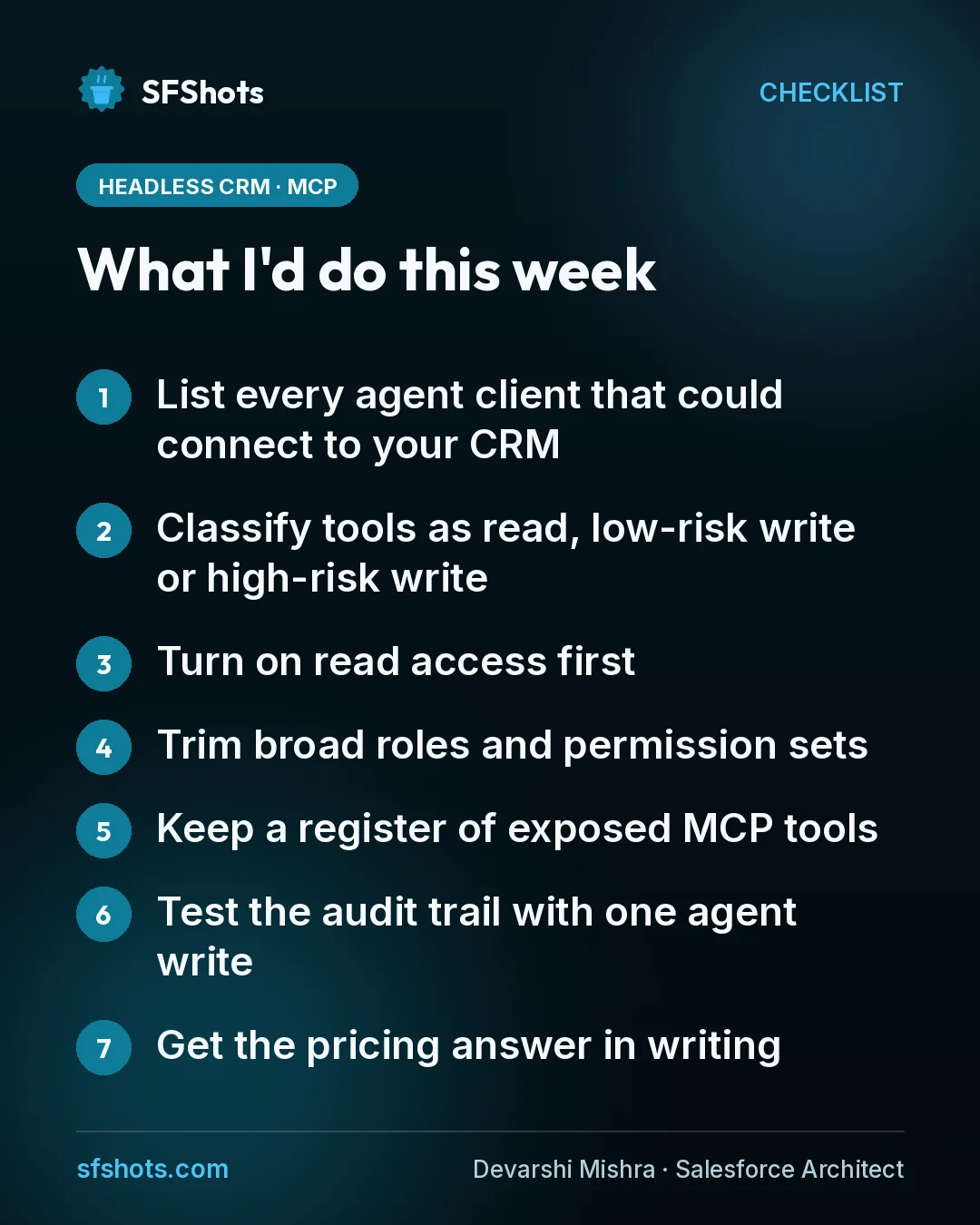
What I'd do this week
- List every agent client that could connect to your CRM. Include Copilot, Claude, ChatGPT and internal builds.
- Classify tools as read, low-risk write or high-risk write. Do it per object.
- Turn on read access first. Add writes one object at a time.
- Trim broad roles and permission sets. Do it before any agent inherits them.
- Keep a register of exposed MCP tools. Give each one a named owner.
- Test the audit trail with one agent write. Confirm you can tell agent changes from human ones.
- Get the pricing answer in writing. Set a usage cap before the first connection.
The takeaway
For CRM and RevOps teams, this week made it clear that the CRM is becoming a service other software calls. Microsoft, HubSpot and Salesforce now all give outside agents a governed way in. That isn't a reason to panic, and it isn't a reason to switch platforms. It's a reason to write down, per object, which changes an agent may make on its own, which need a person, and who owns that list. Do it now, while the number of connected agents is still small enough to count.
Sources
- Microsoft Dynamics 365 Blog: Dynamics 365 CX MCP Server – Sales: Bringing headless CRM to supported AI experiences (29 Oct 2026)
- HubSpot Developers Changelog: October 2026 Rollup (30 Oct 2026)
- Salesforce Developers Blog: Explore the Headless Toolkit with the Pronto Sample App (28 Oct 2026)
- SalesTech Edition: Microsoft Ships a Sales MCP Server, and HubSpot and Salesforce Have Their Own (30 Oct 2026)