


Agentforce Memory recall has roughly doubled. Decide what your agents may remember about customers
On 3 November Salesforce AI Research said a new Agentforce Memory policy recalls 1.8 times as many stated facts and 2.2 times as many changing facts. Better memory means a second copy of customer facts living outside your fields. Here's the memory policy I'd write before switching it on.
On Tuesday, 3 November, Salesforce AI Research published the results of an update to Agentforce Memory, the feature that lets an agent carry what a customer told it into later conversations. The headline: on their evaluation, the updated memory policy recalls 1.8 times as many of the facts customers state outright, and 2.2 times as many of the facts that change over time. Salesforce calls that "essentially doubled."
That's good news. It also changes the question I'd ask before switching memory on. When memory was patchy, the risk was an agent that forgot. When memory works, the agent is quietly building its own record of each customer, next to the one in your fields. Someone needs to decide what goes in it.
What Salesforce actually announced
Here's what the post says:
- The problem. Their example: a customer says in March their office is in Bangalore, says in June it has moved to Pune, and in July the agent still answers as if it were Bangalore. A reply built on an old fact reads exactly like one built on a current fact.
- The fix was a policy, not a rebuild. The updated policy keeps more of what a customer says and treats an update as a correction to something the agent already knows, not a second fact filed next to the first. Salesforce says nothing underneath changed.
- How they measured it. A framework that plants facts in long, multi-session conversations, runs them through the live Agentforce system, then asks questions that depend on those facts. The conversations come from ConvoMem, a public benchmark Salesforce released in 2025.
- Status. Agentforce Memory became generally available in September.
Erik Nijkamp of Salesforce AI Research made the point I liked most: "An agent's answer can't tell you whether it failed to save something or failed to use what it saved."
How memory works in your org today
The setup details come from two practitioner write-ups of the docs, not the announcement, so check them against your own org:
- It's per agent. You turn it on in Agentforce Builder's Script view by adding
memory: enabled: Trueto thecontextblock. Watanabe notes it reached Winter '27 orgs on a rolling basis from the week of 21 September. - It's a rolling window. Each agent keeps up to 50 memories per user and deletes the oldest when it hits the limit.
- Opt-in differs by agent type. For employee agents in Lightning, users opt in and can view, edit and delete memories under Memory & Preferences. For service agents, no separate opt-in is needed.
- Customer control isn't automatic. Letting a customer ask "what do you remember?" or "forget that" needs the User Memory Management subagent, which you add from the asset library.
- There's an org-wide switch. Since October, Enable Conversational Memory for Agentforce under Einstein Audit, Analytics, and Monitoring Setup turns memory off across the org. It's on by default. Turning it off stops new memories and stops using existing ones, but doesn't delete them.
Watanabe also flags two things I'd plan around. He couldn't find a stated retention period in the official docs. And for service agents, the user the agent runs as isn't the customer, so in his build he had to pass a verified customer ID to the memory actions rather than let the model work it out.
The decision: write a memory policy before you scale
Salesforce's own example is an address change. In most orgs I work with, an address change is also a field on the Account, a trigger for a territory rule, maybe a tax setting. If the agent learns about the move and the record doesn't, you now have two versions of the truth, and only one of them shows up in your reports.
So memory isn't a replacement for writing to records. It's a convenience layer for preferences and context. Here's what I'd decide:
What memory is for. Preferences, tone, context that helps the next conversation. Things like "prefers bullet points" or "usually asks about invoices."
What must go to a record instead. Addresses, contact details, consent, anything that drives business logic. If an agent hears one of these, it should update the field through an action, or create a task for a human, not just remember it.
What should never be remembered. HR, health, financial hardship, anything your privacy team would flag. Agents that handle those conversations may be better with memory off.
Who the memory belongs to. For service agents, confirm the memory is tied to a verified customer, not the agent's running user or a guess.
How a customer makes you forget. Decide whether you add the User Memory Management subagent, and how memory fits your existing deletion process. Remember that switching memory off doesn't delete what's stored.
Who owns the switch. One named person who can turn memory off across the org, and knows when they should.
What I'd do this week
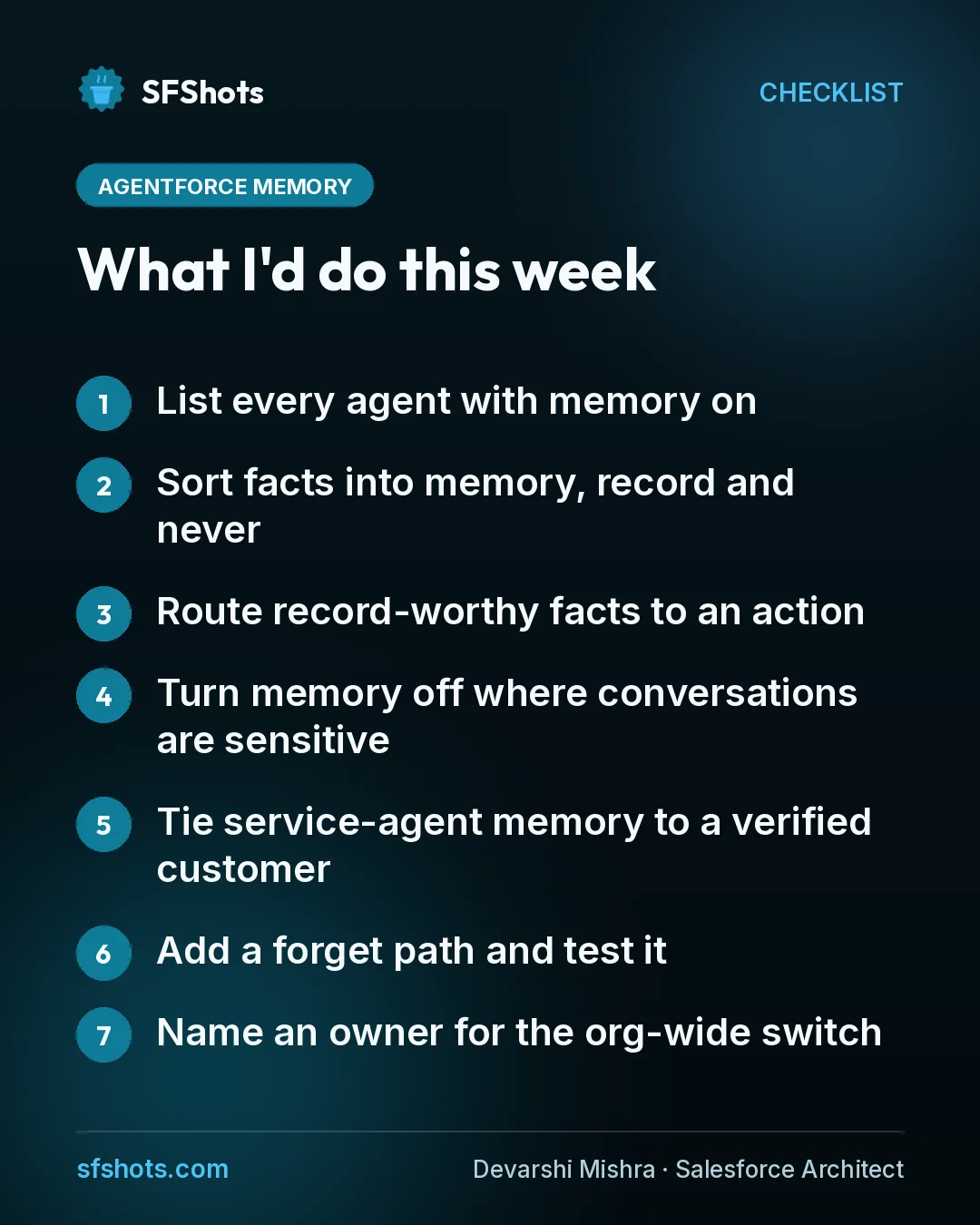
- List every agent with memory on. Check the
contextblock in each agent's script. - Sort facts into memory, record and never. Write it down per agent.
- Route record-worthy facts to an action. Update the field, or create a task.
- Turn memory off where conversations are sensitive. HR, health and hardship first.
- Tie service-agent memory to a verified customer. Never the running user.
- Add a forget path and test it. Subagent, deletion process, or both.
- Name an owner for the org-wide switch. And agree when they'd use it.
The takeaway
For CRM and RevOps teams, better agent memory is a data governance question wearing a product update. The more an agent remembers, the more customer facts live outside the fields your reports, routing and consent rules depend on. Turn it on where it helps, but decide first what it may hold, what has to reach a record, and who can switch it off. That's an afternoon's work now, and a much longer clean-up later if you skip it.
Sources
- Salesforce: Double recall: Inside the Agentforce Memory update (3 Nov 2026)
- InfallibleTechie: How to Enable and Manage Agent Memory in Salesforce Agentforce (1 Oct 2026)
- Nobuyuki Watanabe (SFMC Tips #396): How Agent Memory Works and How It Differs from Variables (25 Oct 2026)
- Nobuyuki Watanabe (note): Agentforce September 2026 release highlights